What you chose not to see
simply never opens.
A Chrome extension that blocks sites, ads and trackers, and gives you real control over YouTube, down to the individual channel. Every setting lives on your own computer: no account, no server, no telemetry.
Preset lists that actually cover what matters
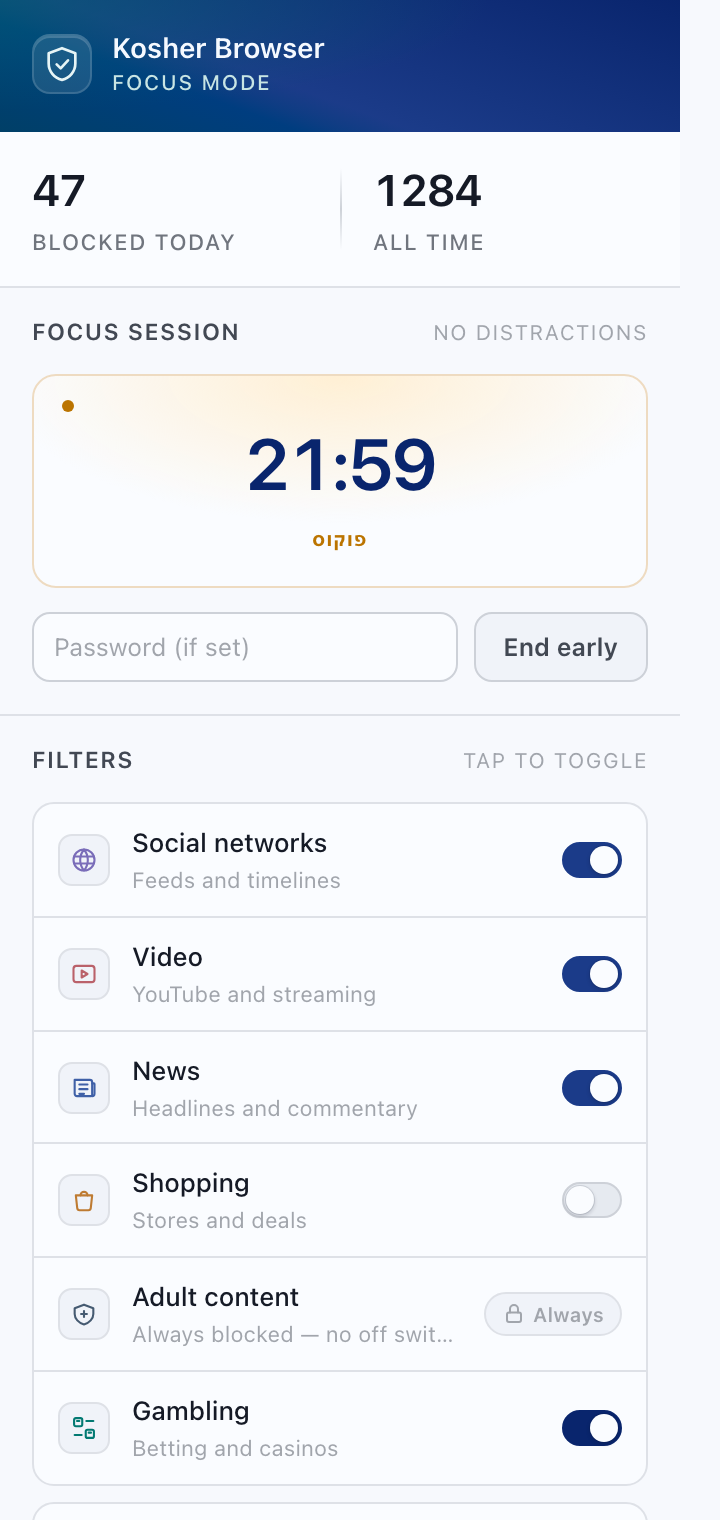
Adult content is blocked from the moment you install, against a built-in list of 30,000 sites, and there is no switch to turn it off — it holds even while blocking is paused, and the allow list cannot open it. The other five categories ship with 110 domains ranked by real-world traffic rather than listed alphabetically, so the sites people actually reach are the ones covered.
- Always onAdult content has no toggle, and no site on that list is ever named in the interface.
- CategoriesSocial, video, news, shopping and gambling, each toggled on its own.
- Your own listAny domain you add, subdomains included, blocked exactly the same way.
- Allow-list modeThe other direction: everything is blocked except the sites you approve.
- SafeSearchEnforced on Google, Bing and DuckDuckGo at the URL level, regardless of account settings.
YouTube is not all or nothing
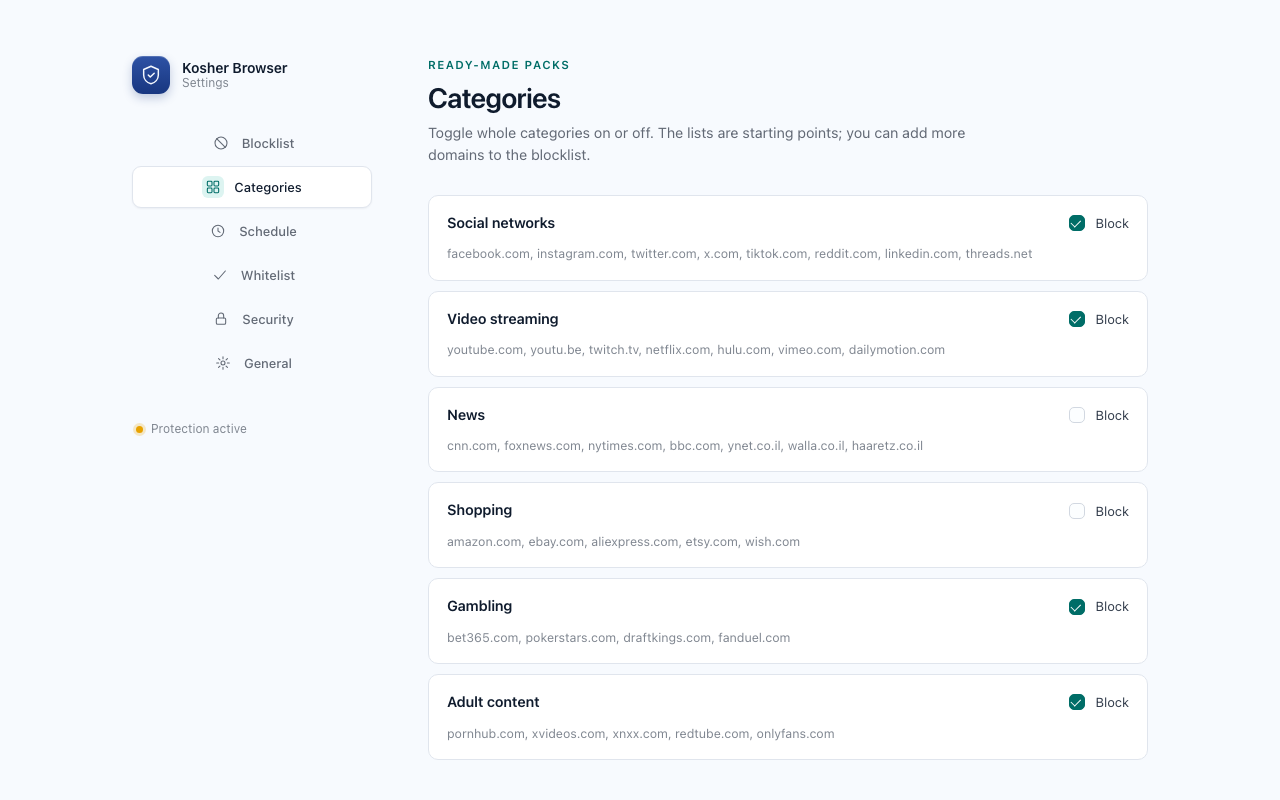
Most blockers offer two options: open or blocked. This one has four, and it can strip the ads without blocking anything at all.
- No limitsYouTube stays exactly as it is.
- Block entirelyAll of YouTube goes to the blocked page.
- No ShortsShort-form videos are blocked, including the in-app swipe feed, and the rest stays open.
- Approved channels onlyAdd channels like @nickjr and only their videos will play. The player stays hidden and paused until the channel is known.
YouTube ad blocking works independently of the mode you pick, and removes ads from the player itself rather than only the banners around it.
Ads and tracking, at the level you choose
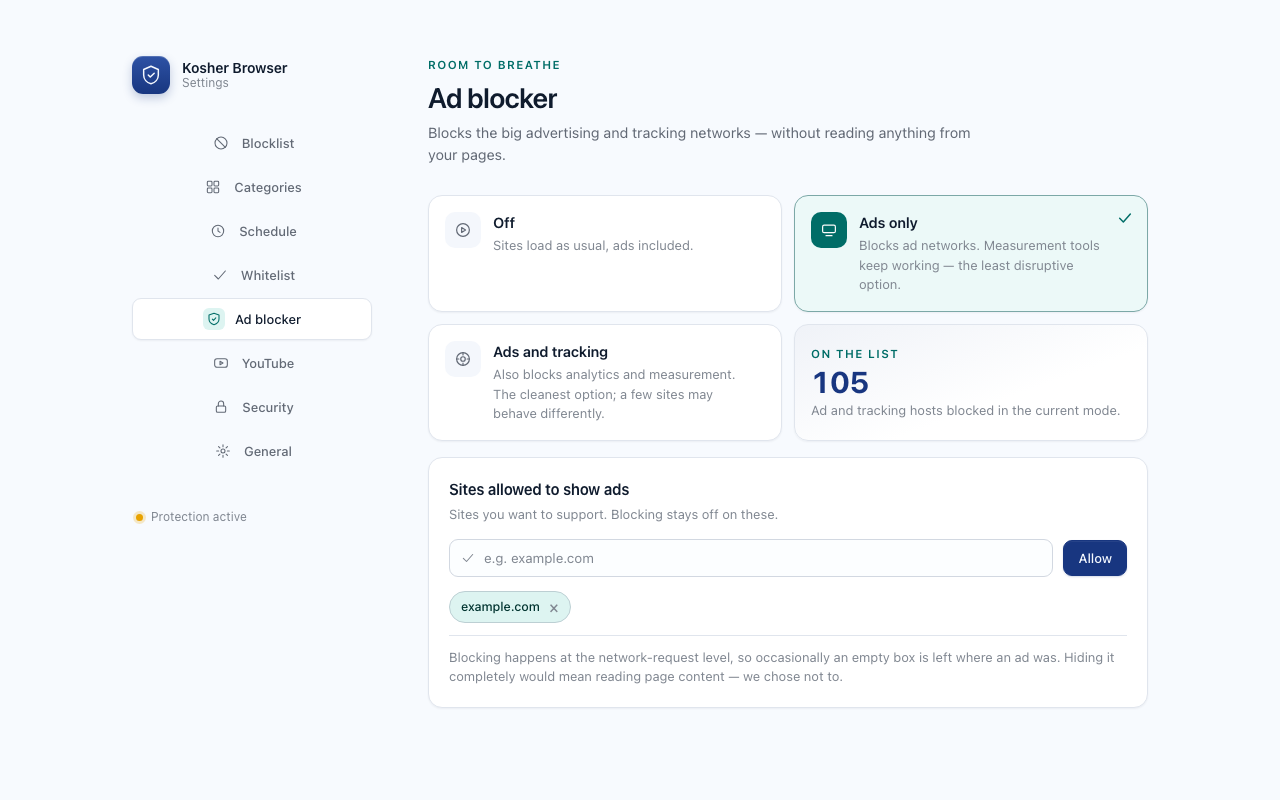
150 ad and tracking hosts, chosen by the traffic they actually carry rather than by list size. Stop at the ad networks, where measurement keeps working and sites change least, or block analytics too.
- Ads only105 advertising networks. The least disruptive setting.
- Ads and trackingA further 45 analytics and measurement hosts. The cleanest setting.
- Sites allowed to show adsA list of sites you want to support, where blocking stays off.
And what turns a decision into a habit
- Schedules
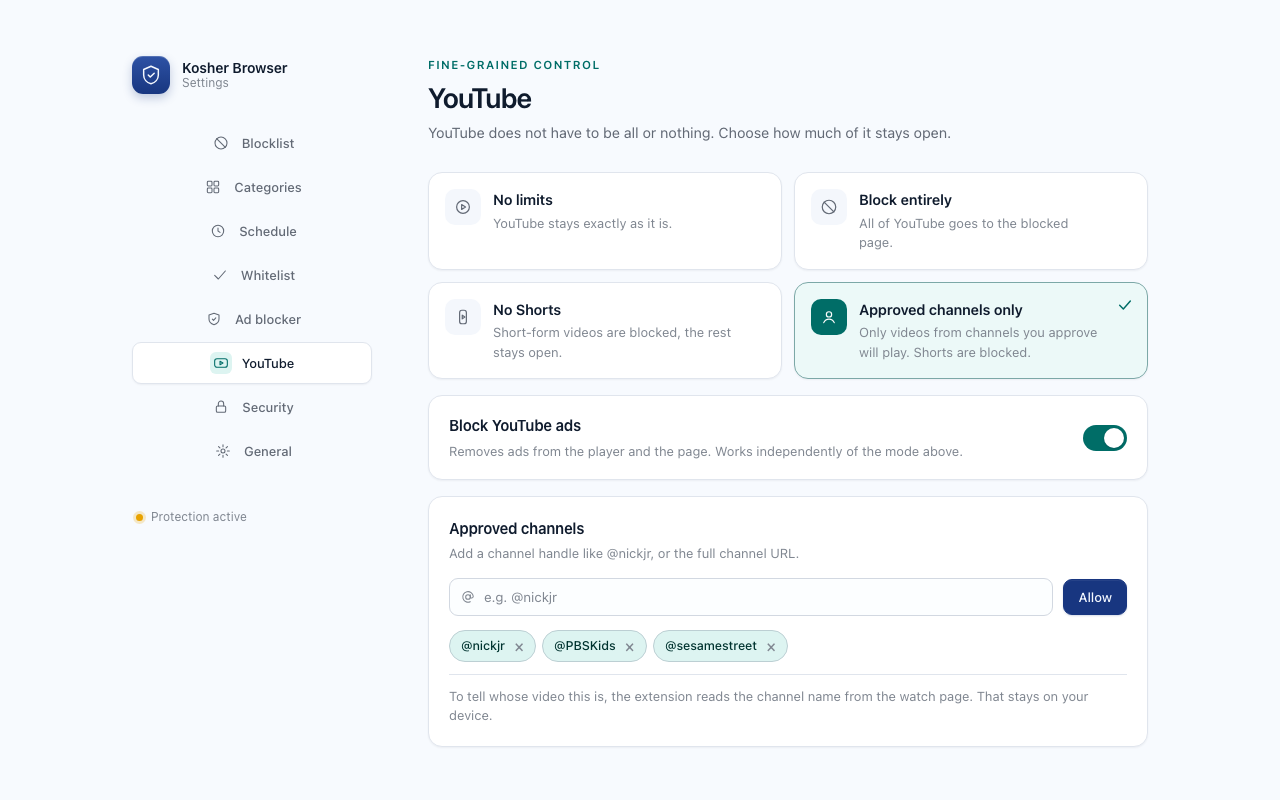
- Time windows on the days you choose: work hours, evenings, Shabbat. Inside a window everything is enforced, even when categories are off.
- Focus timer
- A session of 15 to 120 minutes, or any duration you set. The countdown survives closing the browser.
- Password lock
- The password guards the settings and the off switch. Only a SHA-256 hash is stored, never the password itself.
- Strict mode
- Locks the off switch itself. The only way out is to uninstall and reinstall, a deliberate decision rather than a moment of weakness.
Free, with nothing you have to take on trust
No account, no payment, no third party. The only data that exists is your settings, on your machine. The privacy policy spells out exactly what is stored, and names the only two features that read anything from a page on YouTube, both of which are off by default.